Connect your broker. Or don't.
Full integration with Interactive Brokers and Tradier. No broker connection required. Import your trades and everything still works.
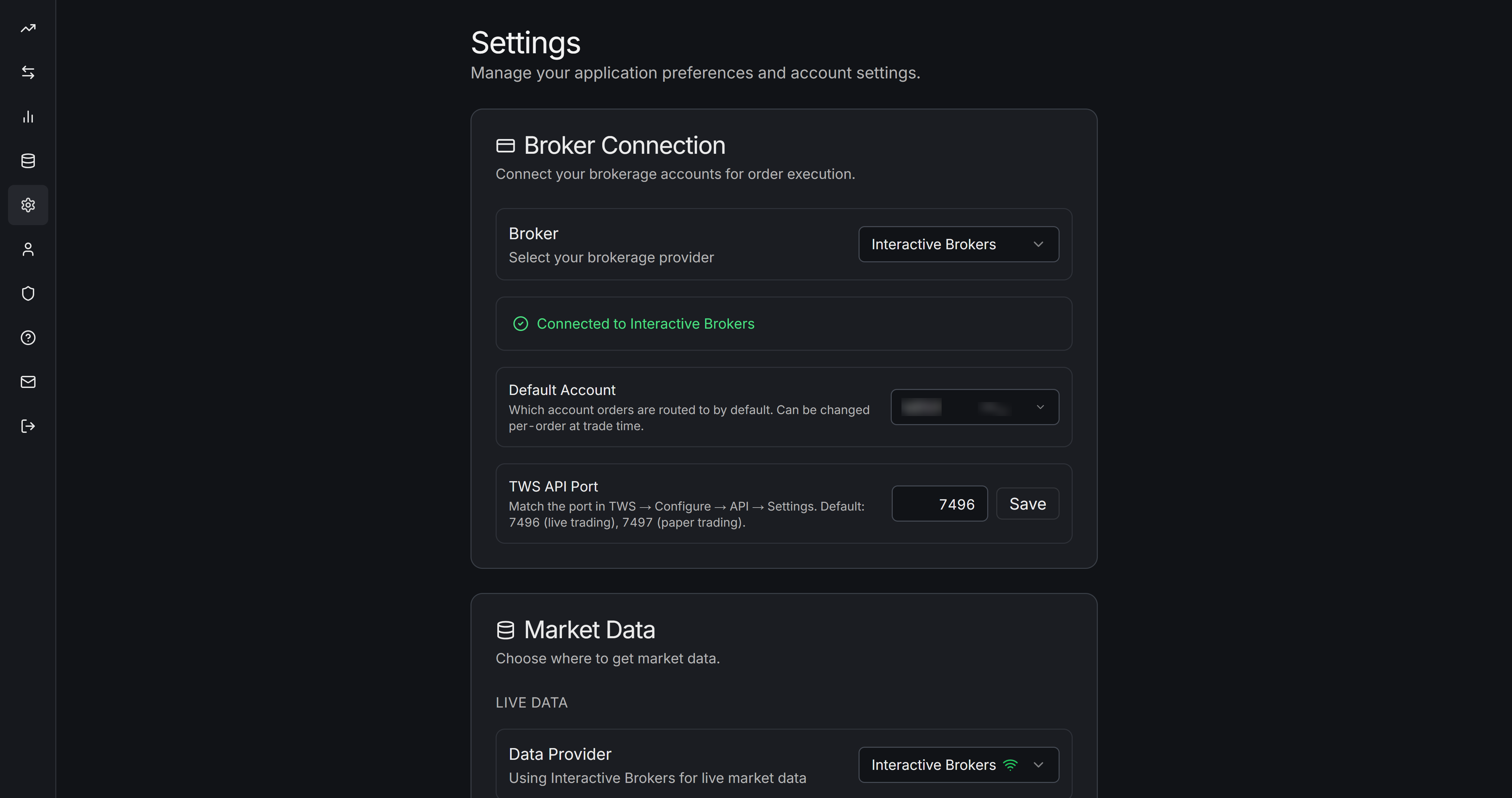
Interactive Brokers
Interactive Brokers connects through the Stratsigma Bridge, a small app that runs on your desktop alongside Interactive Brokers' Trader Workstation. Available for Windows and soon, Mac.
In Trader Workstation, go to Global Configuration - API Settings, and make sure that "Enable ActiveX and Socket Clients" is checked.
Download the Bridge from the Settings page in Stratsigma. Your browser may require your approval to download the two files that are the Bridge.
Run the program. No installation needed.
This takes about two minutes the first time. After that, the Bridge runs in the background whenever Trader Workstation is open.
The Bridge supports order routing and synchronization, real-time market data for stocks, indices and options, and historical market data for stocks and indices.
Tradier
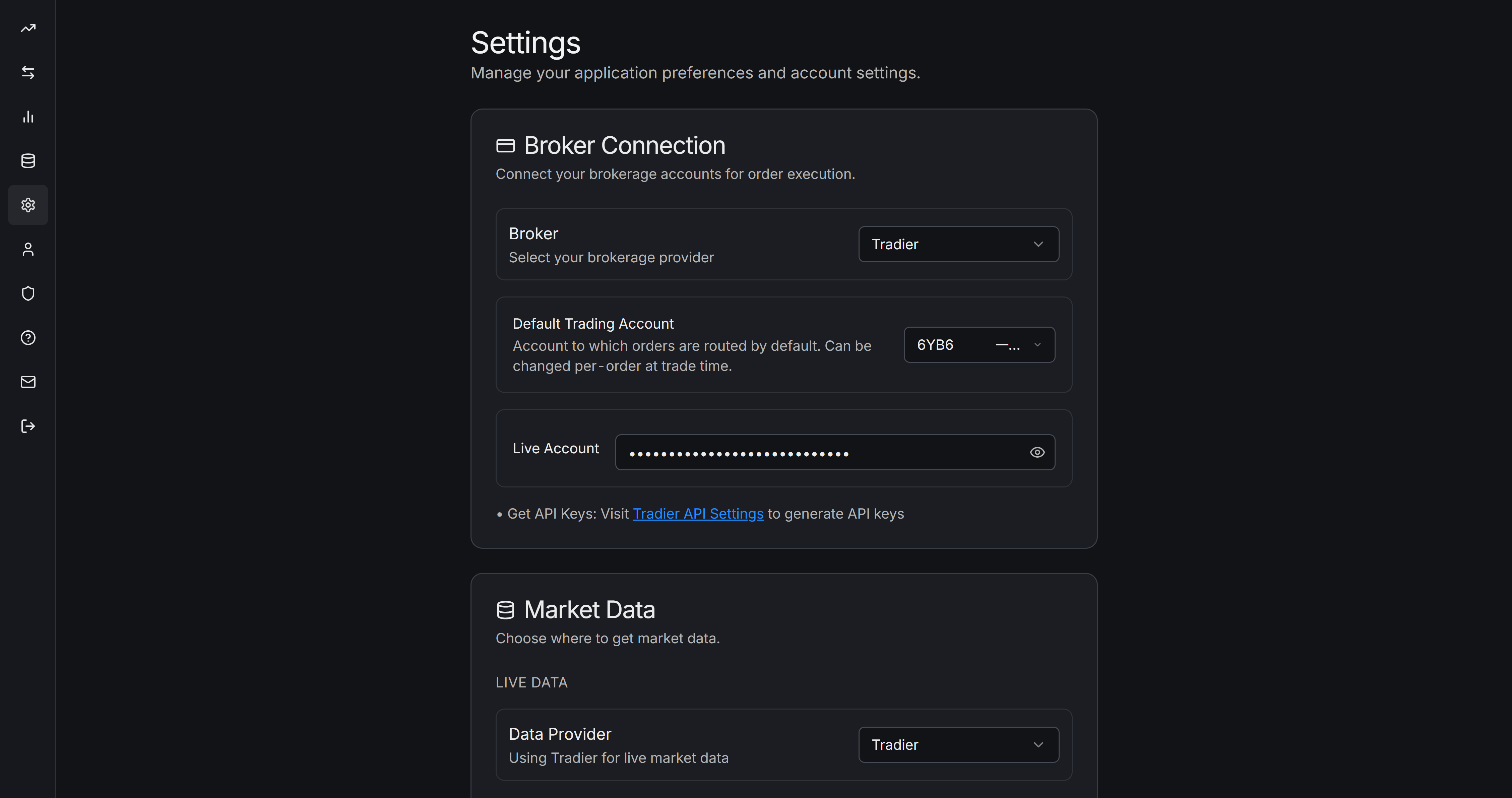
Tradier connects via API token. Configure it in Settings.
Once connected, Stratsigma uses your Tradier account for real-time streaming quotes (via WebSocket), automatic trade sync, and order entry. Sandbox and Production environments are both supported. You can paper-trade against Sandbox and switch to Production when you're ready.
Setup takes about five minutes.
No broker connection? Not a problem.
You can use Stratsigma without connecting a broker. Model trades, import historical trade data from CSV, run analytics on what you've imported. Add a broker when you're ready.
Ready to get started?
Full setup instructions for each broker are in the in-app help after you sign up.